
Property management for entire buildings.
Bulk-import every unit from a CSV or Excel file, group them under one building record, and set each unit’s price and minimum stay from there.
Twenty-four units over eight floors, brought in from one spreadsheet. The same building assembles below.
Running on RentOS




Every row of your spreadsheet becomes a unit, with its own price and open tasks.
Each row becomes a property record, straight into the database.
24 units placed, 16 taking longer stays and 8 taking shorter ones, each with its own rate. The right column shows the monthly rate a 2-bed is set at on that floor.
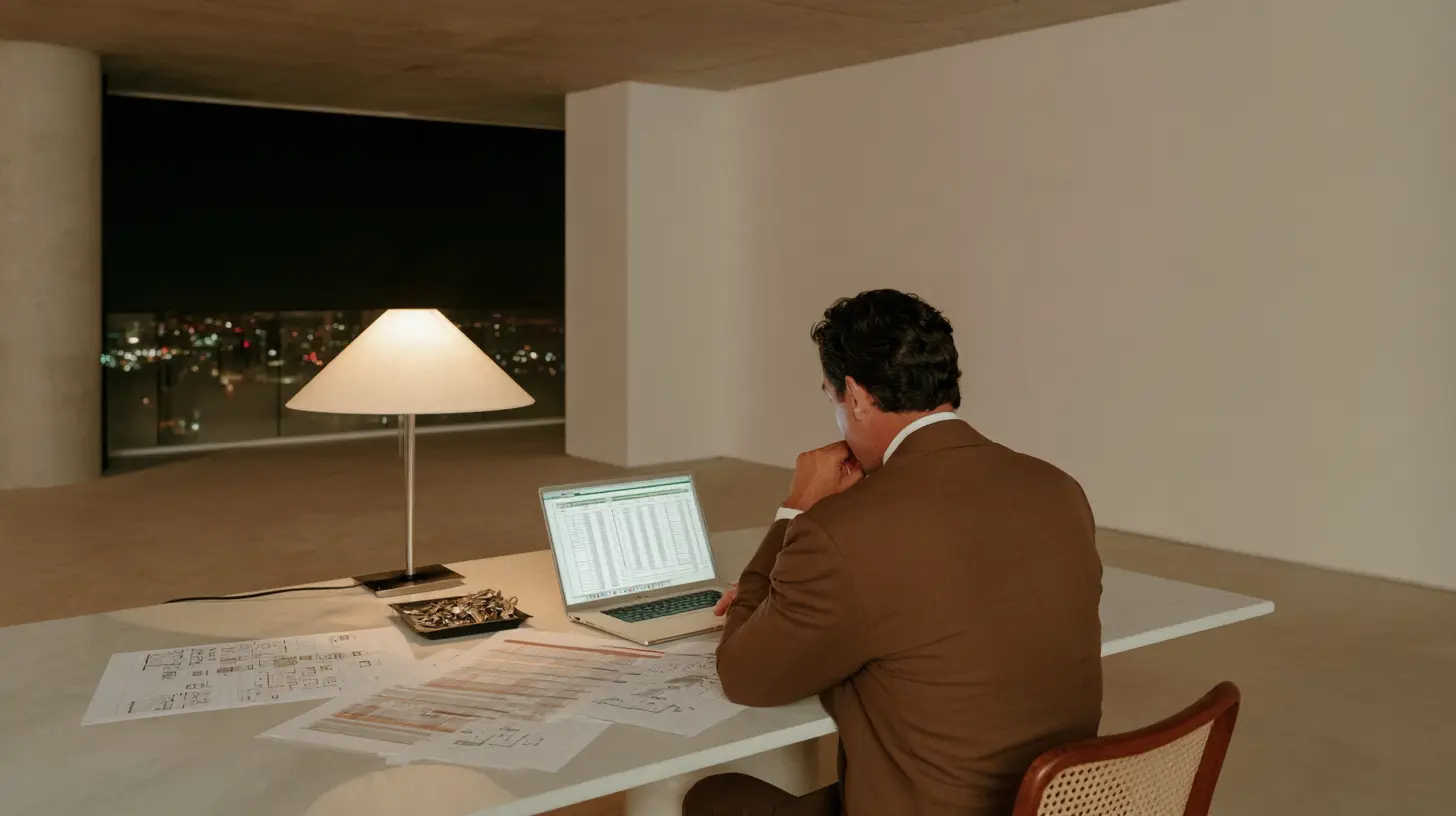
building-roster.xlsx: 24 rows in, 24 properties created, each row checked before import.
Bulk-import every unit from CSV or Excel.
Upload the CSV or Excel file you were handed. RentOS suggests a column mapping with AI, flags any row with an error, and creates every property in one import.
- Bulk import properties from a CSV or Excel file
- AI-assisted column mapping that remembers your corrections
- A downloadable, row-level report for anything that fails
- Select the batch and assign it to a building at once

Floor 3: unit 301 at $89 a night, 302 at $1,615 a month, 303 at $1,445 a month.
A price and minimum stay for each unit.
Each unit carries its own price and minimum stay. One floor can take short stays while another needs a month or more.
- A monthly price you set for every unit
- A minimum-stay setting per unit, from a few nights to a month or more
- Each unit can carry its own currency, or fall back to your account default
- Change any unit's price or minimum stay whenever you need to
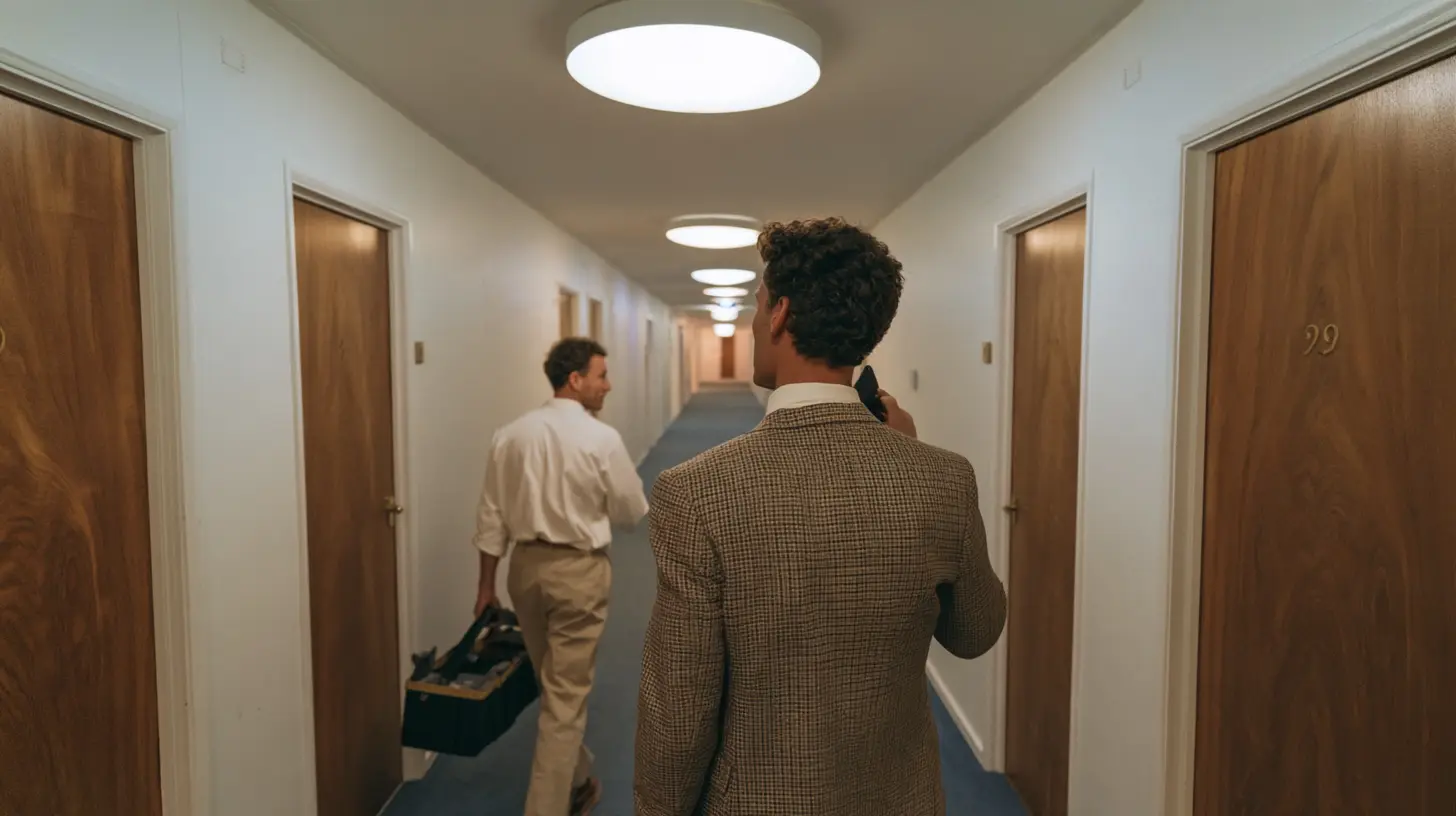
Unit 103: replace the bathroom extractor. Whole building: annual fire alarm inspection.
Maintenance tasks assigned per unit or building-wide.
Create a task tied to one unit or left general for the building, assign it to your team, and track it by category, due date, and status.
- Tasks scoped to one unit, or left general for the building
- Assign to an employee, or auto-assign everything unassigned at once
- Filter by category: cleaning, maintenance, inspection, guest request, and more
- Export your task schedule to a calendar, or subscribe to it live

Specify RentOS for a new build at design stage.
A finished building with no operating system sits idle while someone picks software after the fact. Bring RentOS in alongside decisions like smart-lock access, and the building is ready to operate the day it hands over.
Run several buildings under one login.
Every building you add groups its own units under one login, and your dashboard's occupancy and revenue numbers already roll up the whole portfolio.
Questions about running a building on RentOS.
Upload the CSV or Excel file you already have. RentOS suggests a column mapping with AI so fields like price, bedrooms, bathrooms, and square meters land correctly, and flags anything it could not confidently place before you confirm.
Yes. Minimum stay is set per property, in nights, so one unit can take a short stay while another requires a month or more. Leave it blank and the unit follows your account default instead.
Yes, unit by unit. Set a low minimum stay on the units you want to rent short, and a higher one on the units you want to run as longer stays. Both live on the same building record.
Create a task and tie it to one unit, or leave it general. Assign it to an employee yourself, or use Auto-Assign to hand out everything still unassigned, filtered by category or by what is overdue.
Yes. Properties on RentOS can connect to Akiles for smart-lock access, so bringing that decision in alongside RentOS means the building is ready to operate the day it hands over, instead of picking software afterward. Reach out and we will work through your stack with you.
Yes. Every building you add groups its own units, but they all sit under one login and one dashboard, so you are not switching between systems as your portfolio grows past a single building.
Import your building and start free with up to 10 properties.
Free for up to 10 properties, no card required. Import the sheet, group the units, and assign the first task the same afternoon.