Every Integration, One Screen
Browse, connect, and monitor every third-party tool from one settings page: PMS systems, smart locks, payment processors, and the channel manager.
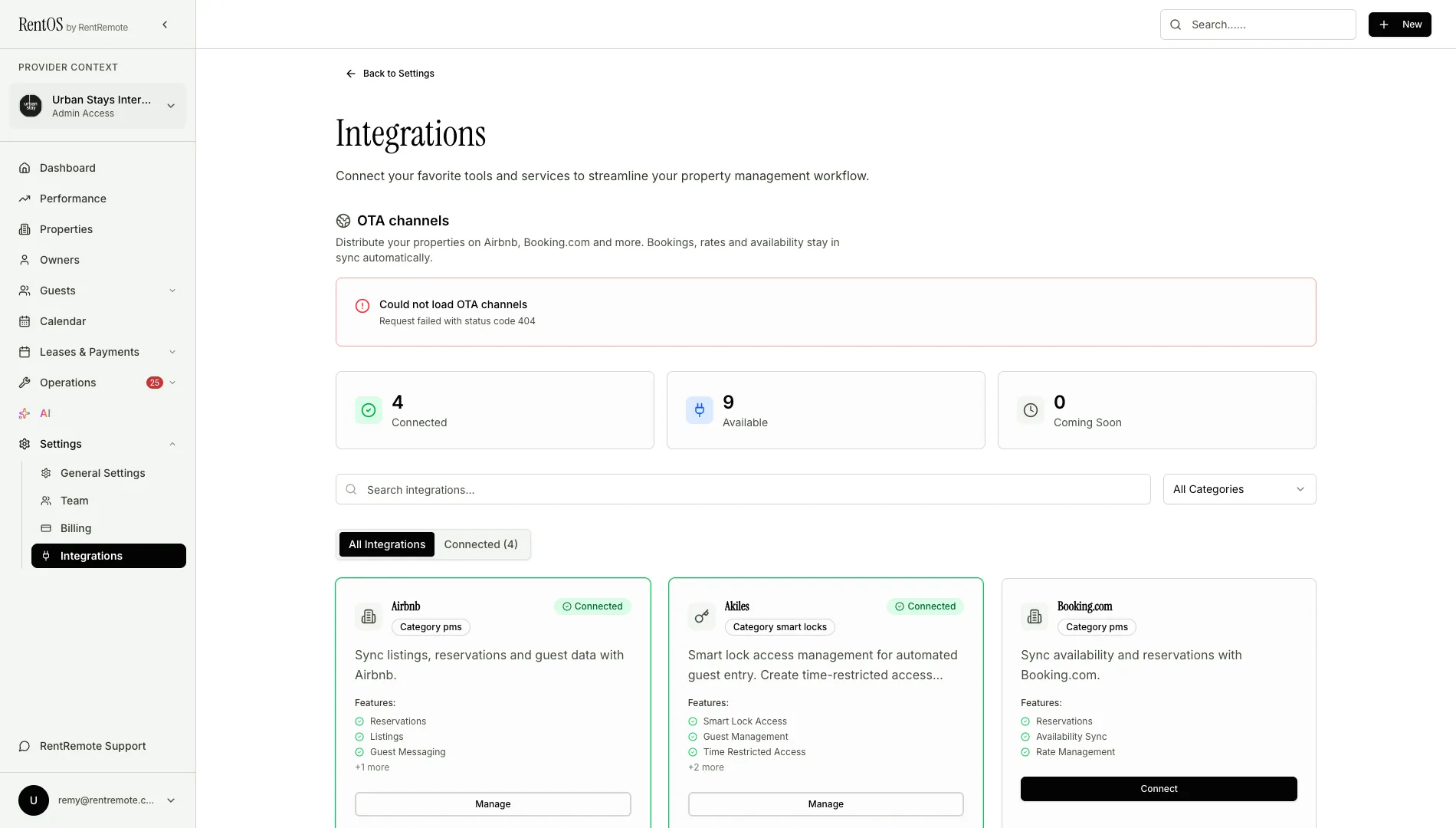
Every Connection in One Screen
Search, filter by category, and see what is connected, available, or coming soon.
Integration Hub
Search and filter the catalog by category: PMS, smart locks, payments, communication, analytics, or leads.
Available Integrations
See connected, available, and coming soon integrations at a glance, each with its own count.
Configuration Forms
Each integration publishes its own credential form, grouped into required fields, sync options, and advanced settings.
API Key Storage
Enter API keys and secrets for integrations like Idealista, validated before RentOS saves them.
Integration Categories
Browse PMS, smart locks, payments, communication, analytics, and lead sources as separate categories.
Connection Status
A badge shows connected, pending, error, or needs reauthorization for every integration in the catalog.
Set Up Once, Reconnect When Needed
Guided onboarding, per-system setup steps, and a reconnect flow for when a connection needs attention.
Guided Onboarding
A three-step walkthrough shows how to browse, connect, and manage integrations from Settings.
Credential Setup
Akiles and Idealista connect with a client ID and secret or an API key and secret.
OAuth Popups
Akiles authorization opens in a popup and the dialog closes automatically once it succeeds.
Sync Options
Toggle auto sync, availability sync, pricing sync, and webhooks per PMS connection.
Disconnect and Reconnect
Disconnecting a channel stops its bookings from syncing, and reconnecting reopens the same credentials dialog.
Per-System Guides
Each integration publishes its own setup steps instead of one generic walkthrough for every system.
Know Before a Connection Fails
A connection monitor tracks every PMS link and warns before a failing one takes listings down.
Sync Status
See when each integration last synced, or trigger a sync now instead of waiting.
Connection Health
Each PMS connection shows as healthy, failing, ready to delist, or delisted, in plain language.
Delist Warnings
Before a broken connection takes your listings down, RentOS shows the delist deadline and a reconnect button.
Channel Alerts
Pending channel sync alerts surface in one panel, with a dismiss all action when you are caught up.
Automatic Retries
A channel mapping that has not started yet keeps retrying and usually begins within minutes.
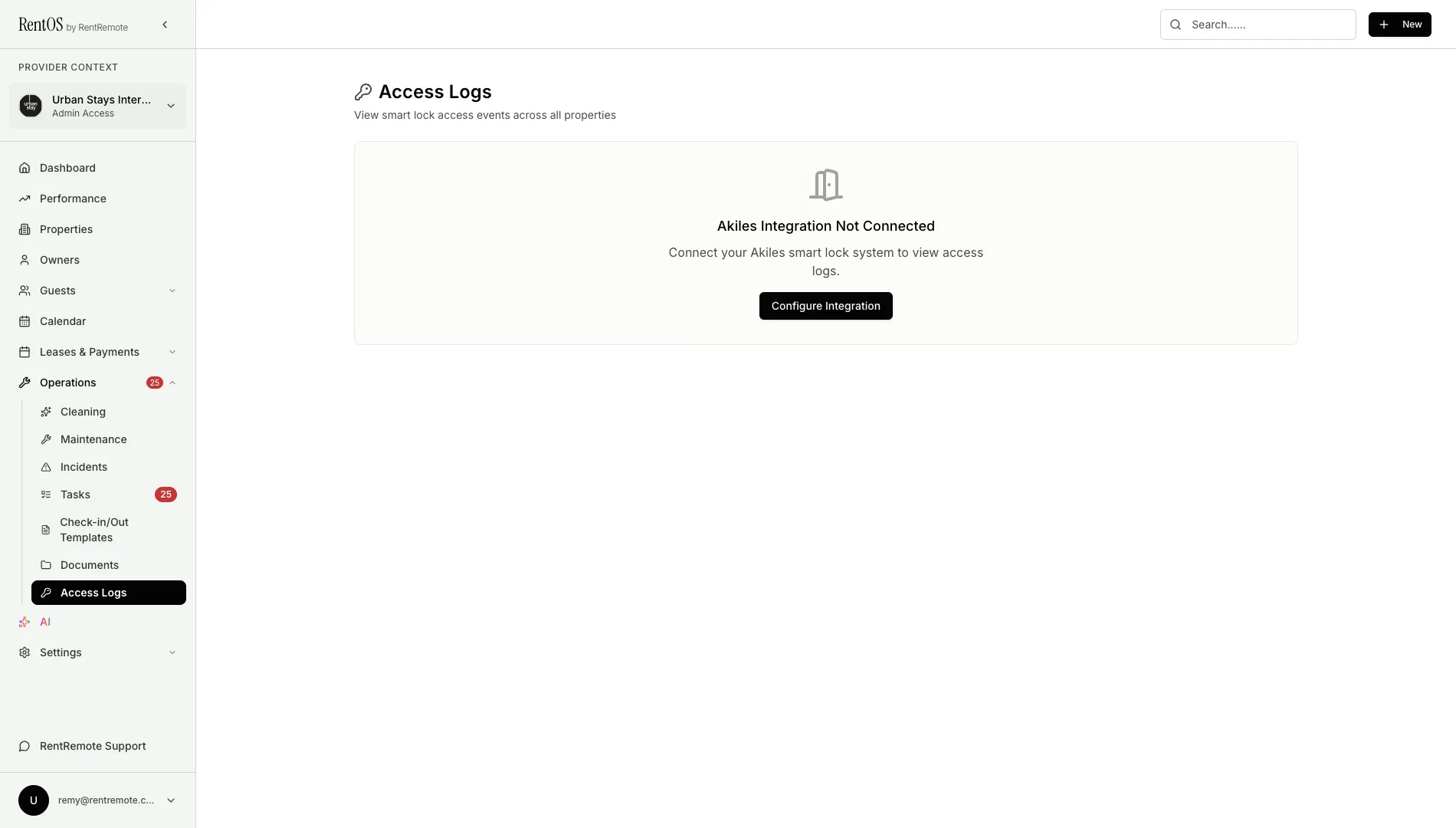
Access Logs
Every locked, opened, or denied access event for a property is recorded in a timeline.
Want to see it on your own portfolio?
Book a walkthrough with someone who has run a mid term operation. Every property you manage in RentOS is also listed on Rent Remote, free on every plan.